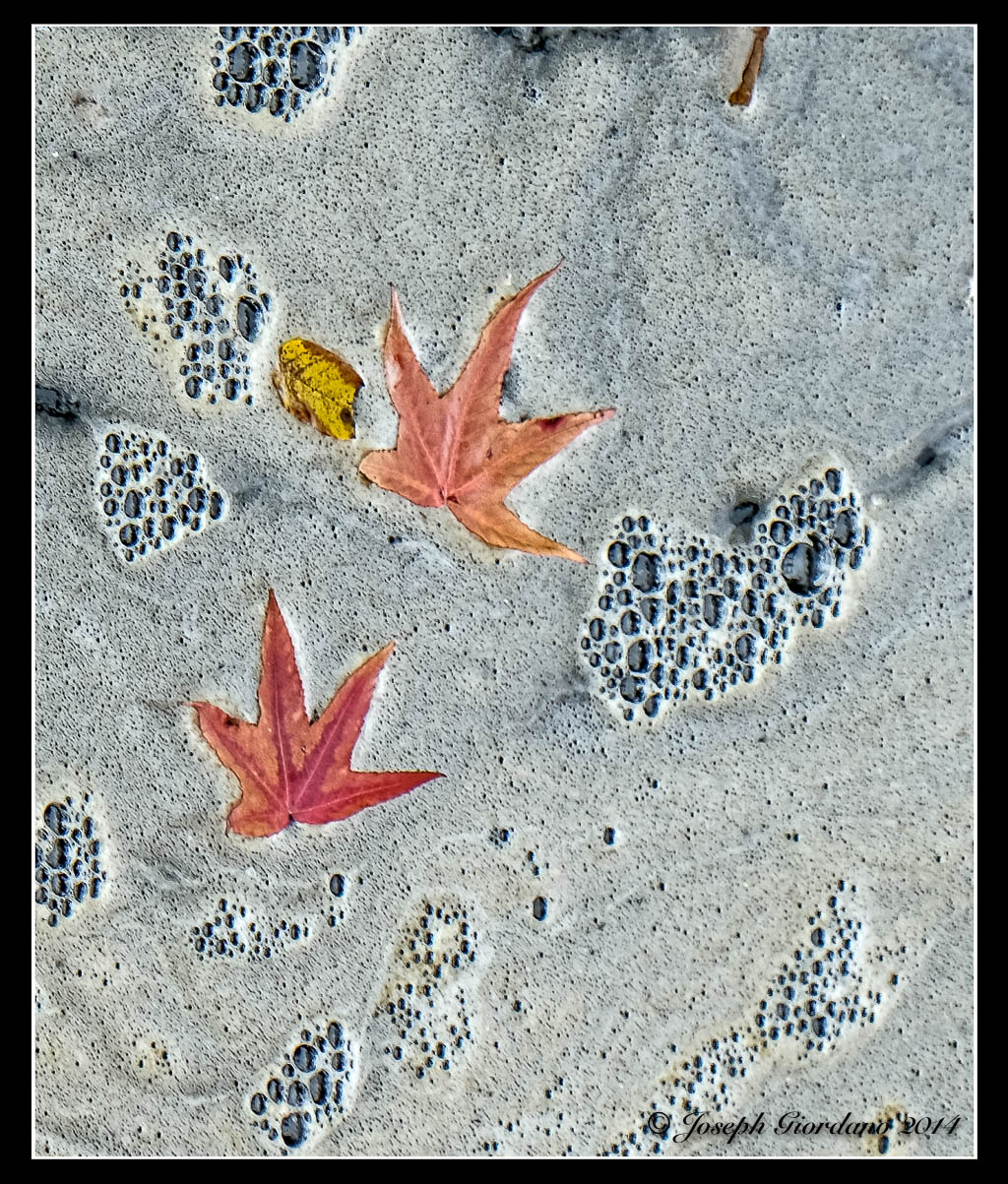
Fujifilm X-T1 and Fujinon XF 55-200 OIS R Lens – 1/450 @ f/4.8 – 200mm – ISO 200
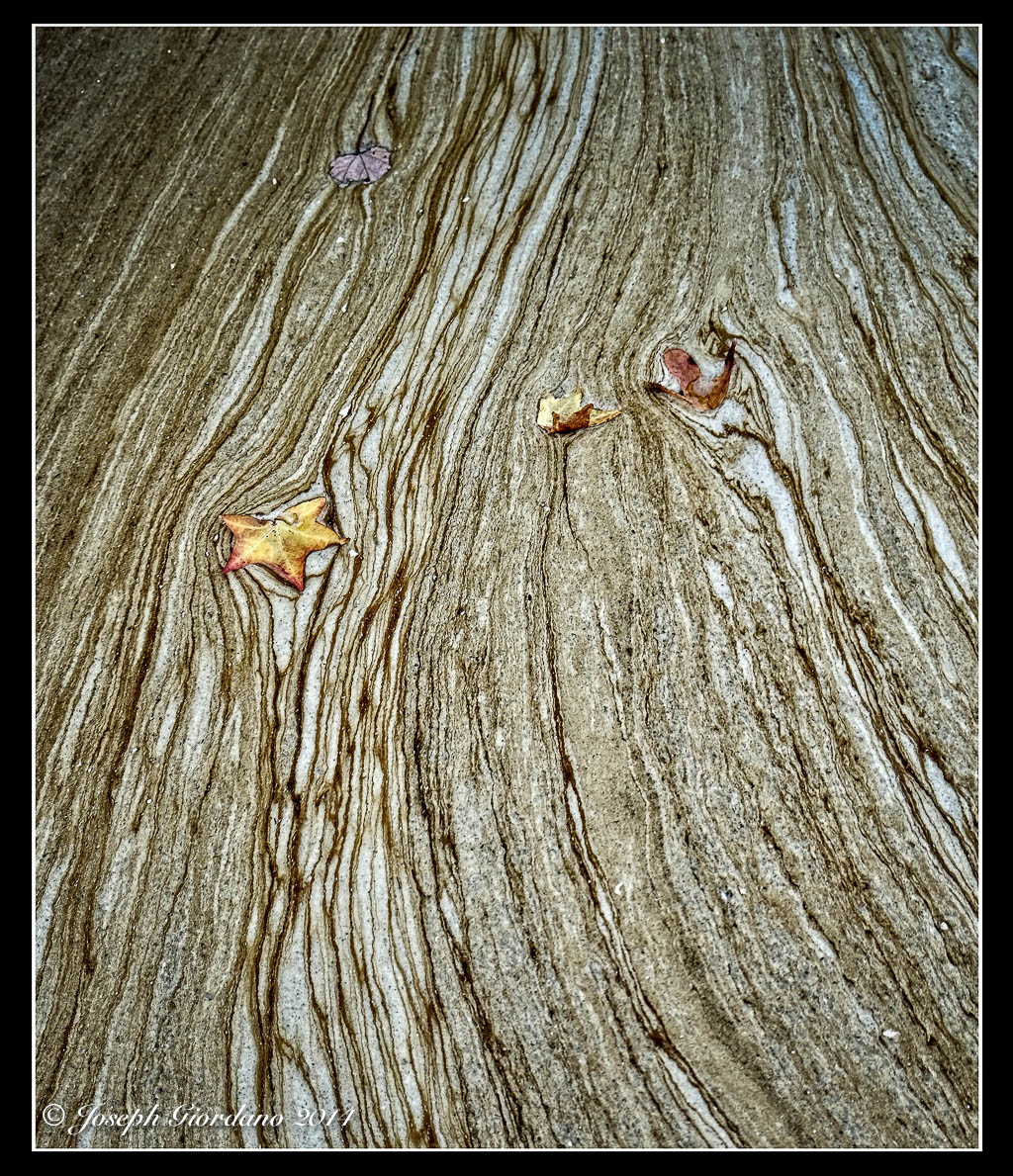
Fujifilm X-T1 and Fujinon XF 23mm f/1.4 R Lens – 1/3000 @ f/2.5 – ISO 200
Fujifilm X-T1 and Fujinon XF 55-200 OIS R Lens – 1/450 @ f/4.8 – 200mm – ISO 200
Fujifilm X-T1 and Fujinon XF 23mm f/1.4 R Lens – 1/3000 @ f/2.5 – ISO 200
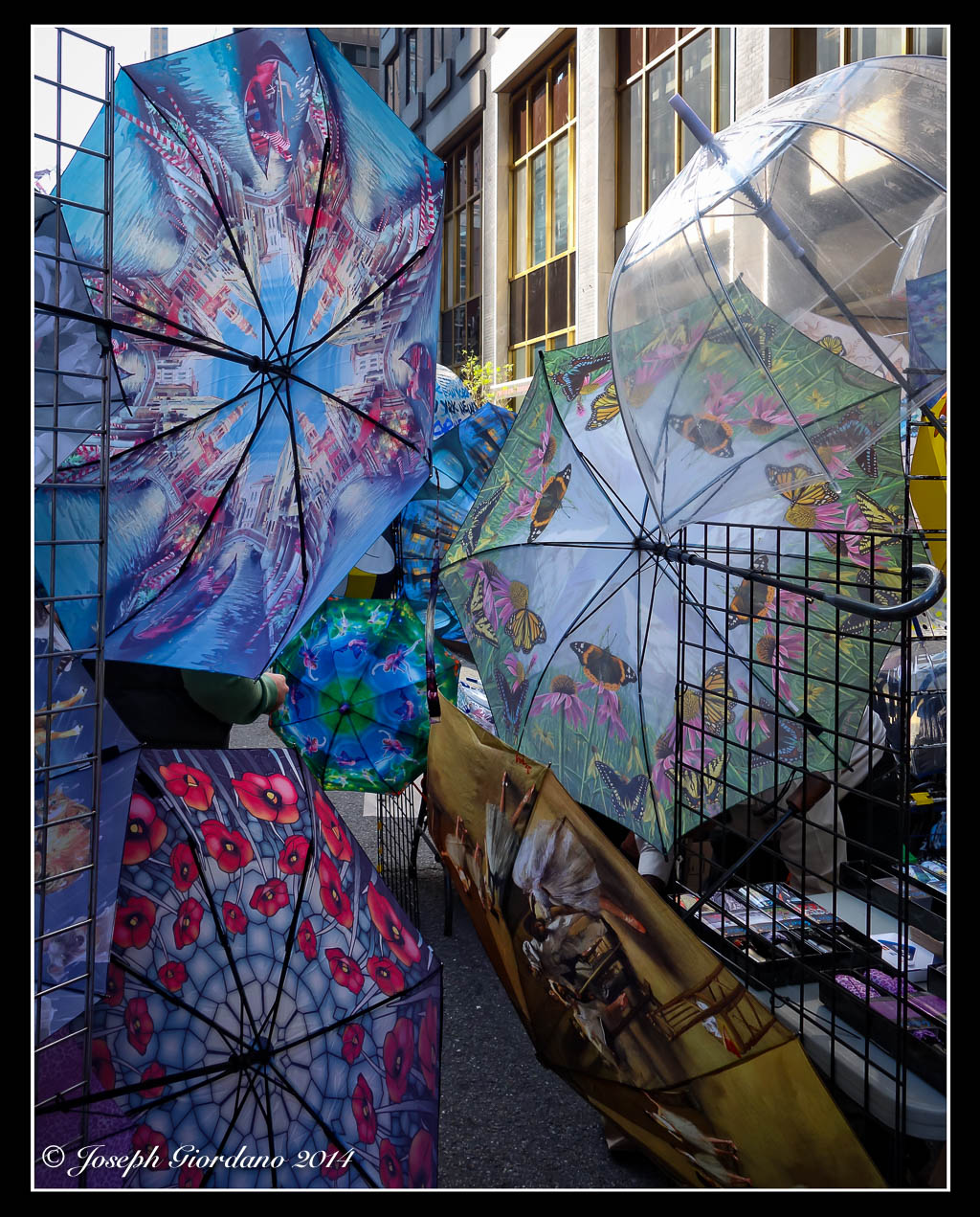
Fujifilm X-T1 and Fujinon XF 55-200 OIS R Lens – 1/240 @ f/5.6 – 200mm – ISO 200
Fujifilm X-T1 and Fujinon XF 55-200 OIS R Lens – 1/800 @ f/4.8 – 200mm – ISO 200
Today I would like to discuss some of the various photo editing programs available to post process your images. I will also give you my views on Macintosh versus Microsoft Windows systems. Please note I am not advocating or endorsing one type of computer OS over the other I am merely stating my experience with both. Todays post was actually inspired by a question from Gale in Florida about post processing.
Lets discuss computers first because I want to be brief on this subject. I personally prefer the Macintosh OS over Windows (and this is coming from a person who owned a computer business for ten years building generic computers running Microsoft Windows). Like I said I am not endorsing I am merely stating my preferences. I find the Macintosh systems seem to require less system resources than Windows systems while running the same programs.
Huh ?
Okay let me give you an example. I sometimes will edit images on my Macbook Air computer which only has 4 GB of RAM without issue. Of course I would prefer to edit images on my Mac Mini with 16 GB of ram and a big screen but sometimes I would rather just sit on the couch with my wife and edit images on my Macbook. If I were using a Windows based system with the same processing power and 4 GB of RAM, running Adobe Lightroom 5 would be frustrating for me. In my experience the Mac programs seem to load faster than the Windows counterparts and take up less hard drive space. Some of you might say RAM is pretty cheap these days so why not just add some memory and use the Windows systems. That’s wonderful if Windows is your preference but when comparing apples to apples (no pun intended) the Mac system will load programs faster with the same processing power and memory, and I am confident saying that. The other thing I prefer about the Mac system is all of the Apple software such as word processing, spreadsheet and presentation is free and will import Microsoft Word or Excel files. The OS (operating system) upgrades are also free so I don’t have to spend money when the next generation of software is available. If I wanted to start processing RAW files immediately iPhoto is already on the Mac so if I didn’t have the extra cash to spend on Adobe Lightroom at the time I could still shoot RAW images with my camera and post process them. These are some of the reasons the Mac system is a better fit for me. As I stated previously I am not endorsing or suggesting one system over another, I am just stating which works better for me, and why I prefer it.
Okay so lets get to the meat of the post, image editing programs now that I started the controversy about computers above.
When you buy a camera most of the time it will come with a CD that has their own brand of image editing software. These proprietary programs are used if you shoot RAW images because for some stupid reason every camera manufacturer has their own RAW files. With Nikon the files have an .NEF extension, with Olympus they end in .ORF.
Why these files are different is beyond my scope of understanding but it would just make a little more sense to me if all these manufacturers would get together and standardize a file format for RAW images. They did it with .JPG images so why not RAW.
Adobe Lightroom is in my opinion the standard for post processing images for people like me (advanced amateur). You can import just about any file format including RAW images into one program.
But Joe why would I spend money on Lightroom if my camera already came with a software CD ?
Thats a really good question Joe, I’m glad I asked me. Lets use me as an example.
I am a long time Nikon user as most of you already know. Lets say I was a loyal user of the software provided by Nikon to post process images. I took the time to learn all aspects of the Nikon software and I am so familiar with it I can process images with my eyes closed (which would be a pretty neat trick).
Now I decide to buy a Fuji camera because I heard great things about their image quality. I’m very excited when I get my new Fuji home and while I am waiting for the battery to charge I decide to load the software that came with my new camera. I eagerly await for the software to finish installing and as soon as it finished I quickly open the program.
What the hell is this ?
This is nothing like the Nikon software I am accustomed to. Oh crap this is totally different and now I have to learn a whole different program to process my Fuji RAW files.
This is the exact reason you invest in Adobe Lightroom. You take the time to learn Lightroom and it will import any brand of camera RAW files along with .JPG’s of course. You learn one program and use it for all of your post processing needs. By taking the time to learn Lightroom you streamline your post processing immediately.
Another great feature of Lightroom is Plug Ins. Practically every manufacturer of image editing programs provides Plug Ins for Lightroom. For example I use NIK software’s Silver EFEX Pro sometimes to process my black and white images. They provide a Plug In so I can run Silver EFEX from within Lightroom. I just drop down one of the menus in Lightroom choose to edit my image in Silver EFEX and when I am done it automatically exports my image to Lightroom and puts me right back to where I was before I dropped down the menu. I actually use the complete suite of NIK software programs but since Google purchased the company I find myself using a suite of programs fro onOne software called Perfect Photo Suite (which by the way is a free download). When onOne comes out with new versions of their image editing suites the make the previous versions available for free. I would imagine they do this in hopes you will love their software and upgrade to their latest version, which is not free. To me the current version is well worth the $89 they charge for it. The NIK software suite is also very nice but I just find myself using the onOne software more recently.
There are free programs available such as Google Picasa that you can use for post processing your images which is fine. I just don’t think anything can match the power and versatility of Adobe Lightroom and the Plug Ins capability is just an added bonus to me.
So I hope all of you found this post of some use and I hope I cleared up some questions that you had Gale.
Fujifilm X-T1 and Fujinon XF 60mm f/2.4 R Macro lens – 1/1200 @ f/2.8 – ISO 200
Fujifilm X-T1 and Fujinon XF 60mm f/2.4 R Macro Lens – 1/480 @ f/2.4 – ISO 200
Nikon D610 and 50mm AF-S G f/1.8 lens – 1/2000 @ f/4.0 – ISO 100
I was looking at this shadow of a flag when the wind picked up and I snapped this image.
Today I would like to discuss some techniques that you might find useful (or maybe not). This is not going to be technical in any way so there will be no calculations or math of any sort. Now that I got that out of the way hopefully most of you will stick around and read the entire post.
Different lenses have different angles of view (remember we discussed this in a previous post), and one of the most difficult lenses to master is the wide angle lens.
Why do you say that Joe ?
Most people approach wide angle photography the same way as if they had a 50mm lens on their camera and most times they are unhappy with the resulting images. Wide angle lenses don’t really work too well when they are used in a point and shoot fashion. The angle of view is way to wide and the resulting images have no impact because everything looks so small in the photo.
Let me show you the first example which was taken with a Tokina 12-24mm f/4 lens. I just pointed and shot the photo. All of the examples will be in black and white so I don’t distract you with colors.
As you can see in the above photo there is no impact or point of interest. Everything on the horizon is tiny and there is a picnic table covered with snow smack in the middle of this shot (don’t panic over the snow these were taken last winter). Now lets try using our feet and move around a little bit (I know zooming is easier). I would like everyone to get used to looking at a scene and moving around it looking at it from different angles. One of the first lessons I learned way back in the dark ages when I studied photography was to photograph one object from every angle I could think of. Now lets take a look at the next example which was taken with the same lens.
What do you think ? This photo has a lot more impact and all I did was take a few steps forward and use a slightly lower shooting angle. When shooting with wide angle lenses it is always good to have an object in the foreground being the depth of field is so great. Lets take a look at another example with The Tokina 12-24mm lens.
I guess this photo would work for a casual snapshot but there is really no point of interest or impact from this angle. Yes its sharp and the clouds are nice but thats about it. Now lets see what happens when we take a couple of steps to the left toward the rocks.
Notice the three large rocks to the lower left. They are the same rocks as the previous image so all I did was move a little bit to the left and used the rocks to sort of anchor the image or add a little more impact.
If you will take the time to approach common objects and use about 10 minutes of your time to move around them and take photos from all different angles and varying heights I will guarantee your image will improve. Next time you go out shooting try it. I bet the first image you take won’t be the keeper after you see the same object from different angles.
Lets try another example this time using a Tamron 17-50mm f/2.8 lens.
This photo was taken on a foggy morning at a local park. I used a lower angle and I thought this image would be the keeper. After taking various images of the same scene from different angles and distances I liked the image below.
In this scene I moved back a little and stood on a large rock to get a higher angle. To my eyes this is a little more like I saw that day before looking through the viewfinder. The flow of the trees through the scene look a little smoother to me also.
Sometimes getting a better shot has nothing to do with moving around. In this example I will use the same lens and shoot the scene in landscape mode (not the camera setting but the orientation). Lets take a look.
There is nothing of interest in this photo it’s just too busy. Now lets take the camera and change the orientation to portrait (turning the camera sideways).
Thats better, all of a sudden by just changing the orientation of the camera the image improves. Its less busy and the composition falls into place. Now the boat and docking poles become the points of interest. The image was improved greatly just by turning the camera 90 degrees and I didn’t even have to move my feet :)
So whats the moral of the story Joe ?
The moral of the story is don’t stand still and use your zoom to vary your images. Take the time to move around your subject and shoot it from all different angles. I really think you will be very surprised at the results you get with your images.