Photography

You Asked For It – Macro Photography

In this post I would like to discuss Macro photography so a brief explanation is in order to explain what exactly “Macro” is.  Macro photography is different than close up photography.  I am sure most of you have seen the do it all lenses advertised and some of you might even own one.  You know the lenses I am talking about – 24-105mm with macro or 80-200mm with macro.  Well here is a little news flash, these are multi-purpose zoom lenses with a close focusing function.  They are not Macro lenses.  True macro lenses are fixed focal lengths 60mm, 90mm, 105mm, 180mm, 200mm and so on.  True Macro lenses (or as Nikon labels them Micro) have the ability to reproduce subjects at a 1:1 ratio.

Oh crap Joe you’re not going to start with this math again !

No don’t worry what I mean by 1:1 ratio is that Macro lenses can reproduce something life-size, if it is 1 inch square it will reproduce a life-size 1 inch square on your image with no cropping or enlargement.  This is called reproduction ratio and it is listed in the specifications on all Macro lenses.  If you look in the specifications on the multi purpose lenses with so called “Macro” mode you will most likely see something like 1:2, 1:4 or even 1:5 and that is why these lenses should be marketed as multi purpose zooms with close up function, not macro.

I have been using a Tamron 90mm macro lens (Nikon mount) for about a year now but if I had money to burn I would buy a macro lens in the 180mm to 200mm focal length.  I happened to run across this Tamron 90mm for a great price used so I purchased it.  The lens is shown below and happens to be spectacularly sharp, as all macro lenses should be.

Macro1

But Joe if you already have a macro lens why would you buy a longer focal length macro lens ?

There is a simple reason, to increase my working distance from the subject.  I use a full frame sensor camera so the 90mm Tamron is actually 90mm.  Remember way back when we were discussing depth of field and sensor size when I explained if you use anything except a full frame sensor there is a focal length multiplication factor ?  Well lets say I was using an APS-C sensor camera like the Nikon D7000.  Then my Tamron 90mm would actually work out to be a 135mm (90mm x 1.5 = 135).

The closer you are to your subject the more likely it is that you are going to block the light or at least shade the light.  With a longer lens you have a greater working distance and you don’t run into the problem above.  The working distance on the Tamron I am using is about 3.5 inches at 1:1 reproduction. If I was using a 200mm macro lens the working distance might increase to as much as 11 inches. You also have a greater chance of not disturbing insects or butterflies on flowers if you are further away from them (not to mention getting stung by a bee).

So lets see a few examples.  Today was a little chilly outside so I gathered up some leaves and brought them into the house.  In the first example I will just show you a natural light image straight out of the camera.

Macro2

This image is a 1:1 reproduction which means the leaf was the same exact size as in the image. This image was taken at an aperture of f/32 and you would expect the depth of field to be very deep or sharp. If you look at the photo closely you will see that the veins of the oak leaf are in sharp focus but the water droplets are really not tack sharp. This particular lens goes down to f/64 but it really would not make too much difference if I used that aperture because when working with macro lenses there is no such thing as great depth of field. The difference in height between the veins and these water droplets cannot be more than 1/128 of an inch yet at f/32 the depth of field is still shallow.

Okay so lets get back to the lesson, I really don’t like the flat natural light on this image so lets try some flash in the next image.

Macro3

This is a little better but the lighting is still flat because the flash was shot from a head on position (you all know me by now I’m a texture freak).  Lets try a little side lighting to bring out the texture of this subject.

Macro4

Do you see how much of an effect lighting can produce.  On this photo the Flash was placed at the 9:00 position just to the left of the image.  Lets try  another light placement.

Macro5

This image was taken with the flash at the 12:00 position and it also provided a little backlighting as evidenced by the white area in the middle right where the white background is showing through the leaf.  Although all of these images are very different they were all taken at the same aperture f/32. It is the lighting that is making them look different.  I finally settled on the image below.

Macro6

This image to my eyes was the closest to the original with only a boost in the texture which was achieved by the flash in the 7:00 position and being hand held slightly elevated.

Now some of you are probably asking yourselves why didn’t he just use the on camera flash. The reason I used an external flash is because if I used the on camera flash I would have introduced a shadow from the macro lens into the image because of the close proximity of the on camera flash and lens. I used a Nikon SB-700 Speedlight in wireless mode.

I suppose after telling you I used the SB-700 Speedlight in wireless mode I should explain. Most of the Nikon Speedlights have a mode called “Remote” and most of the Nikon cameras except for the less expensive ones have a mode called “Commander” mode. The Nikon D70, D70s, D80, D90, D200, D300, D7000, D700, D600, D610 and D800/D810 all have commander mode available in the camera. This simply means you can set your camera to control external Nikon Speedlights wirelessly with full TTL control “Through The Lens” exposure control. I’m sure Canon and other manufacturers have the same thing but you will have to check your instruction manuals to see what they call it.

Nikon also calls their system “Creative Lighting System” and here is where you find it in your menu system. I am using a Nikon D610 as an example but the menus are very similar in the cameras mentioned above.

The first menu will be shown in the Custom setting menu and it will be listed under Bracketing/flash select this.

Macro7

The next menu will be Flash control for built in flash.  The default setting is TTL, you will have to change it to Commander mode.

Macro8

The next menu is a sub-menu of Flash control for built in flash and notice I turned the built in flash OFF as indicated by the two dashes.  Being I only used one external Speedlight I am only concerned with Group A which I set to TTL with No exposure compensation and Channel 1 (yes with the Nikon CLS system you can control the output of you external Speedights from the camera position without touching your Speedlights).  Also notice that you can set multiple groups of Speedlights if you desire to do a multiple light setup for portraits and the wireless function really comes in handy (if you have ever tripped over a wire and destroyed a Speedlight you will understand).

Macro9

The only step left to do is set your external Speedlight to Remote and be sure to pop the built in flash on your camera up.  Also make sure your external flash is set to channel 1. The built in flash will communicate with the external flash through infrared signals. It will not fire it will only control the remote.

Macro10

A word to the wise is after you are done with your remote lighting session switch your menu settings back to their defaults. Your pop up flash will not fire until you do.

I hope those of you with macro lenses or about to purchase a macro lens will find this post handy and also anyone who owns one of the Nikon cameras listed above will experiment with remote wireless flash. It is simple to set up and can really improve your photos by moving the flash off camera. Hmmm maybe that should be a separate post, LOL.

Standard

MoreLeaves

Joseph, New York, Photography

The Wonder Of Autumn – Part One

Image
New York, Photography

You Asked For It – Color Temperature

Before we get into this discussion of what color temperature is I should explain the Kelvin scale.  Color temperature is rated in degrees k (k in lower case) on the Kelvin scale which was invented by Scottish scientist William Thompson (Lord Kelvin).  I am not going to get into a discussion on how William Thompson arrived at this scale but if you are interested you can do a Google search on him and there is plenty of information available on the subject.

The color temperature scale will apply to all color photography but white balance is only adjustable in post processing if you shoot RAW.

What is color temperature ?

Color Temp copy

The chart provided above indicates that 5500 degrees k is daylight.  Anything lower than 5500 degrees k will impart a yellow to red quality of light to your images and anything higher will impart a blue quality.  If you remember in previous lessons I stated that I take a lot of images around “Golden Hour”.  If you look at the Kelvin scale you will see that Sunrise/Sunset and Golden Hour are on the warm side of the scale and the quality of light is on the yellow to orange. The example below will verify how the quality of light (or color temperature) will correspond with the kelvin scale.

SeaBreezeTwo

The above photo was taken right after sunrise and the color temperature is about 3300 degrees k.  If you look at the Kelvin scale at 3300 k you will see what color light influenced the above image.

I know the above explanation is fairly basic but I think it is easy enough to understand just by looking at the chart.

Why should I worry about color temperature because the camera seems to do a good job adjusting it on its own ?

The camera does a very good job of adjusting white balance on its own and I suggest you leave it Auto white balance.  I am suggesting that you shoot RAW rather than jpg files because if the camera is slightly off with its white balance choice at least you can correct it in post processing.

But my camera is always spot on and I never feel the need to adjust white balance Joe.

That might be true but you must be very lucky because sooner or later you will have to adjust white balance to achieve proper color.  I will show you a couple of examples below and while the white balance is only slightly off it makes a big difference when working with a color calibrated monitor (as I am) and if you print your photos.  Most people do not see white balance problems until they print their image and waste expensive photo paper.

ExampleA

In the above example this is a pretty straight forward image of some flowers and the camera did a pretty decent job with the white balance 4750 degrees k.  Upon a closer inspection you might notice the white petals take on a bluish green tint because of the light reflected off the background foliage.

ExampleB

In this example I corrected the white balance by raising the color temperature in Lightroom to 5100 degrees k which is more like the scene I saw with my eyes.  Even though the color temperature was only raised by 350 degrees k the white petals are more correctly displayed.

ExampleC

In this example I changed the color temperature to daylight in Lightroom 5500 degrees k but I think its a little too much to my liking so the second example looks more correct to me.  Some of you might not even notice these changes I am making because you are using a small screen or a notebook computer but I can assure you with a 27′ monitor like the size I am using the changes are plain as day.

Let me show you a different example.

ExampleD

This image was taken in Niagara Falls from the Canadian side and the image looks pretty good.  I didn’t like the bluish tint to the spray and the water coming over the falls.  This photo was taken on Auto white balance at 4950 degrees k.  Lets try to correct that water in the next image.

ExampleE

This is a little bit better the water is closer to the original color and the spray looks whiter.  The surroundings look like mid April in Ontario (when this image was taken) before the leaves started growing on the trees. This was corrected to daylight or 5500 degrees k in Lightroom.

If you shoot RAW files you should try going back into your photo archives and try to find some that might benefit from a small white balance adjustment.

Standard
Black and White, Black and White Photography, Joseph, Photography

You Asked For It – Time Exposures

Equipment

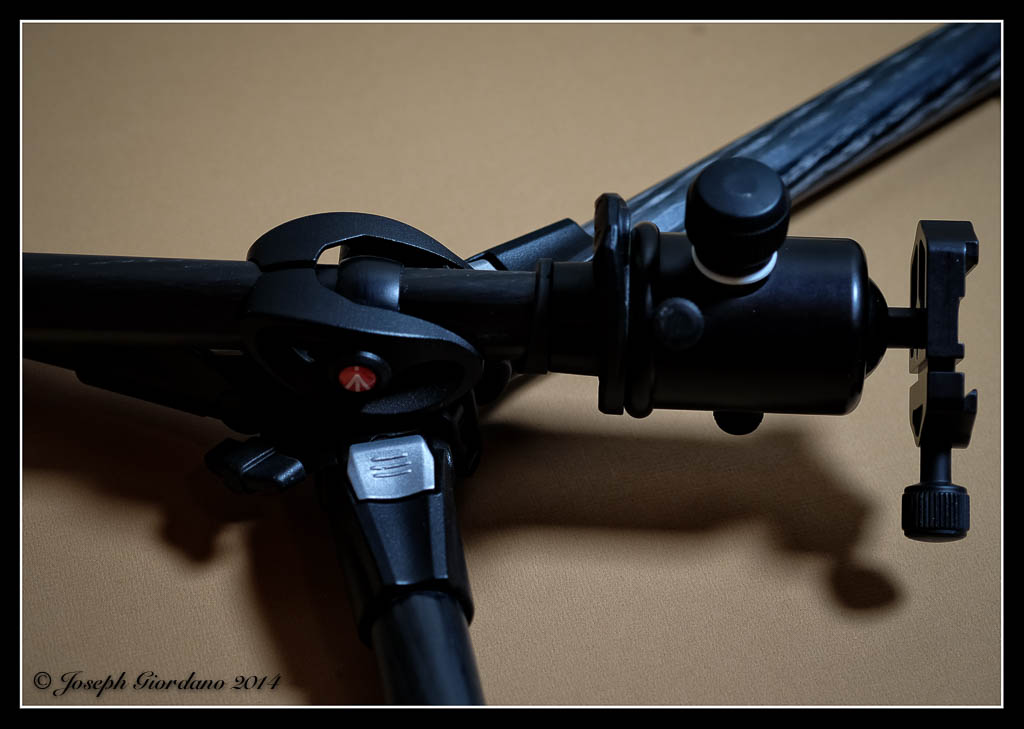
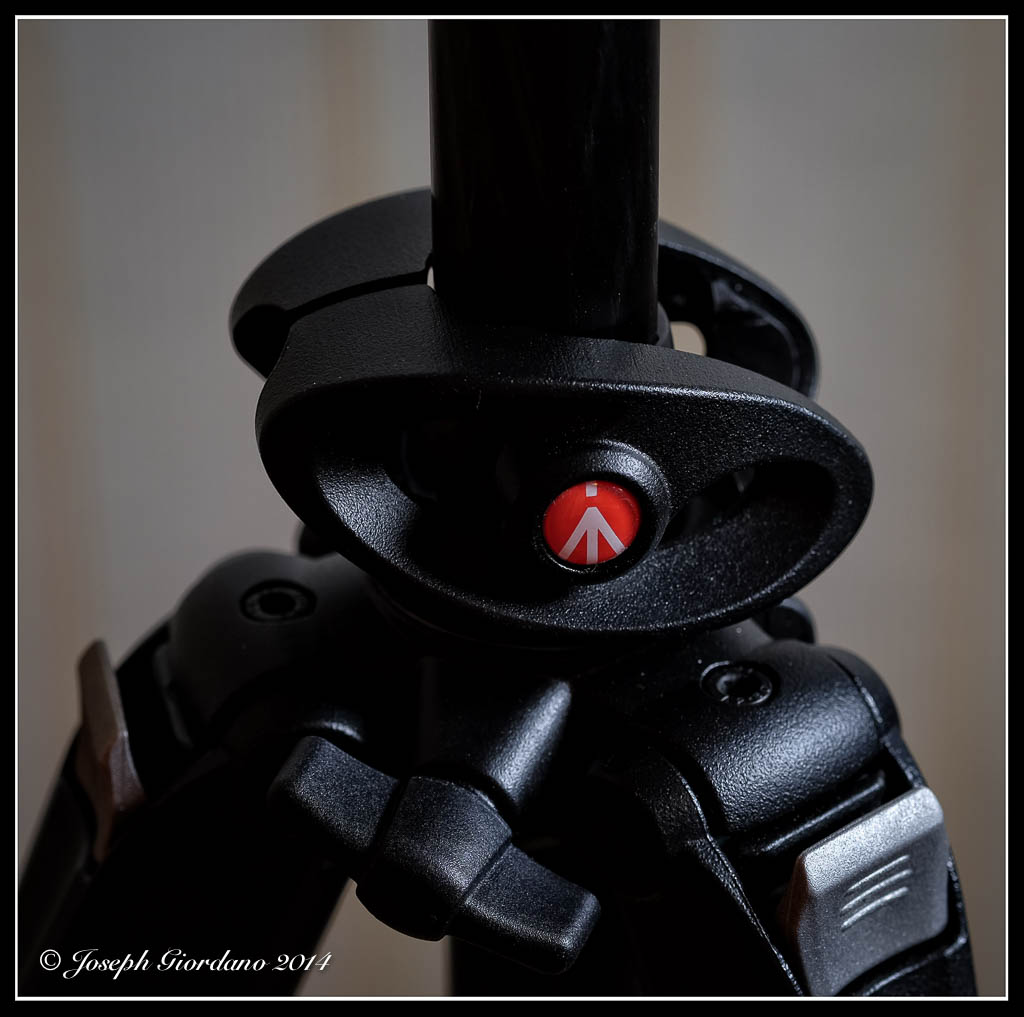
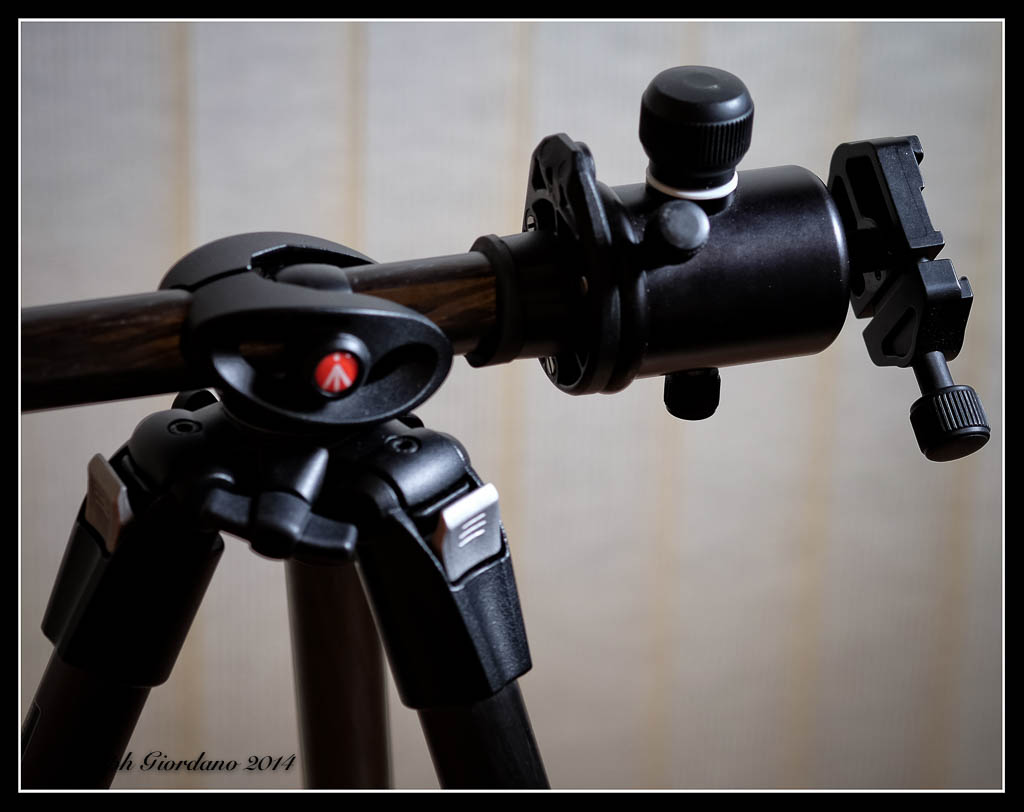
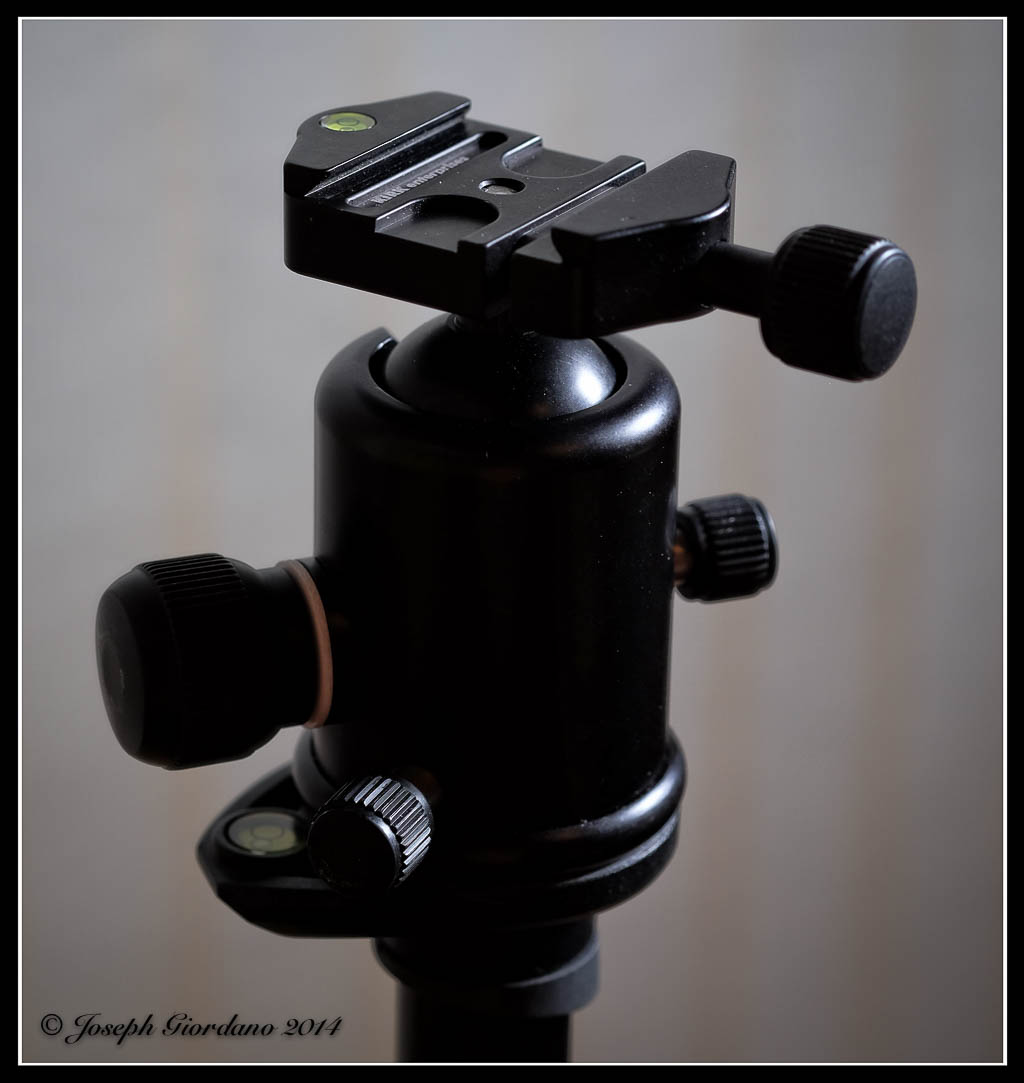
In this post I would like to discuss a couple of tools a photo bug should have in their arsenal and also time exposures. First you should have a tripod, and I mean a good tripod not a cheap one. If you try to save money on a tripod you are going to end up screwing yourself. My way of checking to see if a tripod is good enough is putting the biggest lens on my camera and extending the tripod fully to its maximum height.  If there is even the slightest movement when I touch the camera I look for something more sturdy.  I also look for tripods that come up to eye level with the center column down.  The center column is a weak link on many tripods and I find it best not to use them extended.  Really good tripods and heads are expensive, and there is a reason for this.  They hold your camera steady and cheaper ones don’t.  I use a Manfrotto Carbon Fiber 055CXPRO3 with a Kirk BH-3 Ballhead and Arca-Swiss style quick release.  I am not suggesting everyone go out and buy a carbon fiber tripod because aluminum tripods will work just fine.  I bought a carbon fiber tripod because they are lighter than aluminum and I have a bad back.

The next thing you should have is a neutral density filter.  A lot of new cameras have a top shutter speed of 1/4000 of a second.  This is fine for stopping action but if you wanted to take a portrait of someone with an open aperture of lets say f/2.0 on a bright day it’s just not going to happen.  At 1/4000 and f/2.0 you will probably overexpose your image so a neutral density filter would come in handy for this type of situation.  A neutral density filter cuts the amount of light down coming through the lens and are available in different densities.

Another handy thing you should have is a remote release for your cameras shutter.  There are various kinds wireless, wired and old school cable releases and range in price from about 19 dollars to over 100.

Why am I telling you all of this?

Because if you ever want to do night or low light photography you are probably not going to be able to hand hold your camera and will need a tripod and a remote release.  Also one of the things I want to talk about is time exposures today.  These are impossible to do without some basic tools.  Below is a photo of some of the tools I use for time exposures and excuse my photo it’s a quick shot from my iPhone.

Tools

Please note if you buy a tripod and head (yes you have to buy them separately) that is equipped with a Arca-Swiss style quick release you will have to buy a compatible plate for each of your cameras.  Also note that my cable release is of the $20 variety.  My Fuji cameras are equipped with a threaded shutter button just like the old 35mm cameras so I can use a standard cable release.  If I were shooting with my Nikon I would use a wired remote.  Please take note of the 9 stop neutral density (lets refer to them as ND filters) filter or what some photographers call “black glass”.  This type of filter is a must have for long time exposures. Actually I have a 10 stop B+W filter on order because a 9 stop is just not enough.

I like to do time exposures with my Fuji mirror less cameras for two reasons.  The first is they mirror less meaning there is no mirror or optical pentaprism so I don’t have to block the light coming in from the viewfinder eyepiece (if you have a optical pentaprism camera like most DSLR’s you have to prevent light from coming in the eyepiece of it will affect your exposure in ways that are not to pleasant).  All of the Fuji’s I own are equipped with electronic viewfinders and that eliminates the need to block extraneous light from entering the camera.  If I used my Nikon I would have to bring the eyepiece cover with me and its just one more step.  The second reason I like using the Fuji’s is the camera will auto focus with the 9 stop ND filter installed (I don’t have to remember to focus first set the camera to manual focus then install the filter).

Okay so enough with the equipment lets show some examples.

Time Exposures

In the first example I want to show you a standard exposure using a Fuji X-E2 with a Fuji 18mm f/2.0 lens without a ND filter.  The exposure was 1/15 @ f/16 ISO 100.

ExampleOne

Now lets install the 9 stop ND filter and use an exposure of 28 seconds at f/16 and see what happens.

ExampleTwo

Look at what happened while the shutter was open for 28 seconds.  The waves and ripples in the water smoothed out and created a blurry dreamy type effect with the water.  Are you starting to see how useful a sturdy tripod is ?  A cheaper tripod would not have been able to hold the camera steady for 28 seconds.

Lets try this from another angle.  Also notice that this technique works best when there is a stationary object in the photo with the moving water.

ExampleThree

This photo was taken at 1/20 @ f/16 without any ND filter.  Lets try the next shot with the ND filter.

ExampleFour

This exposure was 28 seconds @ f/16 with a 9 stop ND filter installed.  I like doing time exposures in black and white because depending on the length of time the shutter is open you can get some fairly strange color shifts (nothing that can’t be fixed if shooting raw).  Below is a color photo of a 20 second time exposure @f/16.

ExampleFive

These photos are just quick examples done for this article of what can be done with ND filters, tripods and a little imagination.   They were not intended to be of any artistic value.  Can you imagine a coastline with some big boulders sticking out of the water and a dramatic sky.  Put a ND filter on your lens and your camera on a tripod and turn that scene into a piece of fine art by smoothing out the crashing surf and the clouds moving in the sky.  All it takes is a little experimenting and a few photographic tools.

I almost forgot to mention that if you are in doubt about what exposure to use after installing a ND filter there is a handy little app for the iPhone called “Long Exposure” (I’m sure they have it for Android also) and its free.  All you have to do is enter the exposure information from your camera without the ND filter installed, tell the app how many stops the ND filter is and it will calculate the correct time for your shutter speed to be set at.

There are also other types of ND filters available like the Lee “Big Stopper” or the Formatt/Hi Tech 10 stop filters which come in rectangular sizes and you have to buy a special adaptor to attach them to your lens.  They are more expensive and would only really pay off if you were doing a lot of time exposures.

Standard
Joseph, New York, Photography

You Asked For It – RAW vs. .Jpg

This is the sixth installment of the “You Asked For It” series and today I would like to discuss RAW files versus .jpg files or why you should shoot RAW.  Sometimes I don’t practice what I preach and I shoot .jpg files with my Fuji cameras.  For some reason I am just in love with the .jpg files that come out of the Fuji’s.

Okay now that I confessed to you that sometimes I cheat and shoot jpg files you are probably wondering why the hell should I listen to you Joe you’re a cheater !  To be perfectly honest I only cheat when I specifically need smaller file sizes which is one advantage to shooting .jpg (the file sizes are considerably smaller which means you can fit more images on your memory card).

JPG Files

So lets get down to the nitty gritty and figure out what in the world I am talking about when I say .jpg file.  If you own a DSLR camera and you look in your owners manual you will find that your camera is capable of recording two or more types of files and one of those choices will be .jpg.  When you set your camera to record .jpg files you are telling your camera to employ a compression scheme to the file and most likely to correct for some minor lens distortions such as pincushion distortion or chromatic aberration.  You are probably saying Joe what does that mean in english.  Pincushion distortion is typically found on wide angle lenses where vertical and horizontal lines seem to bow or curve.  Chromatic aberration is when you magnify your image you see a color fringe around the edges if your subject.

So why should i stop shooting .jpg images if the camera corrects for all these things Joe ?

Because you have less control over your final image when you shoot .jpg images. While the camera is correcting for these distortions and busy compressing these files so you can fit more images on your memory card it is processing your files. Processed files have less latitude when you try to adjust different parameters in Lightroom or whatever program you are using to import these images into your computer.

RAW Files

RAW files are exactly as the name implies unprocessed uncompressed raw data.  When you set your camera to shoot RAW you will notice a few things.  The first will be your memory card will hold a lot less images.  If your card held 1000 images of .jpg it will probably drop down to about 250 RAW images, so these files are a great deal larger than .jpg files.  The next thing you will probably notice if you are someone who shoots sports and has their camera set to continuous high speed mode (I like to call these spray and shoot) is that you will be able to shoot a lot less images before your camera buffer fills.  Once again in plain English your camera buffer holds the images until they can be written to your memory card.  If you are a sports photographer who holds the shutter button down to have the camera continually fire to record a sequence of shots your camera will fill its buffer faster with RAW files (because they are larger) and when the buffer fills your camera will slow down until it clears the buffer enough for more shots to be held in it.  In plainer english if you shoot .jpg files and your camera had a buffer capacity of lets say 25 continuous shots before slowing down you might get 10 shots with your camera set to RAW.

So enough talk and lets get some examples.  What I am going to show you is a couple of examples of images that I have purposely under exposed by four stops. Please take note that all of these images will say .jpg because when I export images from Lightroom I have it set to convert them into .jpgs but please be assured that some of these files were RAW before being converted.

TutTwoNEF.jpg
This file is from my Nikon D610 and was underexposed intentionally. My camera has dual SD card slots so it is simple to shoot Raw on one card and .jpg on the other card simultaneously. Most cameras with single card slots can do this also but RAW and .jpg images will be recorded on the same card.

TutFour.jpg

This is a .jpg file as shot in camera and was adjusted in Lightroom to bring it back to the correct exposure.  No other corrections were applied such as color tint or anything other than exposure.  Notice how the colors just are not quite correct and all the detail in the sand is lost.  I want you to take notice of color of the boat on the left and the trees in the background.  This photo might be good for emergency purposes but there is nothing in this photo that was retained that was faithful to the scene I saw.   This photo probably could be adjusted a little more but its kind of like when you make a mistake painting and the more you mess with it to correct it the worse you make it.  Why would you want to spend more time post processing your images if you make a mistake with your exposure just for the sake of fitting more images on your memory card.  Memory cards are pretty cheap just buy a larger capacity one.

TutFourNEF.jpg

Here is the same image that was shot in RAW.  No other corrections were applied such as color tint or anything other than exposure. Notice the sand is more accurate in color along with the sky.  The sand retained a little more detail than the .jpg file.  Also take a look at the hull of the boat on the left which is the correct shade of blue.  Notice the trees in the background are green and not bluish/black like in the .jpg file.

Please go out with your camera and experiment with RAW files.  Raw files can be called different things by various camera manufacturers .  When I used to have my Olympus OMD E-M5 camera the RAW files had an .orf extension and on Nikon they are called .NEF.  Whatever they are called you should learn to use them because they are much more flexable than .jpg files.  Most people think after you take the photo your job is done but if you really want to take your work to the next level you will have to learn how to correctly post process your images.  Post processing is really where a RAW file shines.

Ansel Adams was a great photographer but he was also a master of the darkroom.  He would spend hours tweaking his images in the darkroom to achieve the exact look he wanted.  In todays world we have the luxury of RAW files and programs like Lightroom to take the place of the darkroom.

For those who are interested here is a video of Greg Cazillo fine tuning a RAW file from a Nikon D3x 24 megapixel camera.  It’s interesting how the image transforms from the out of camera shot to the finished product.  I hope you will take the time to watch it.

Chromatic Aberration

Pincushion Distortion

Standard