

Author Archives: Joe
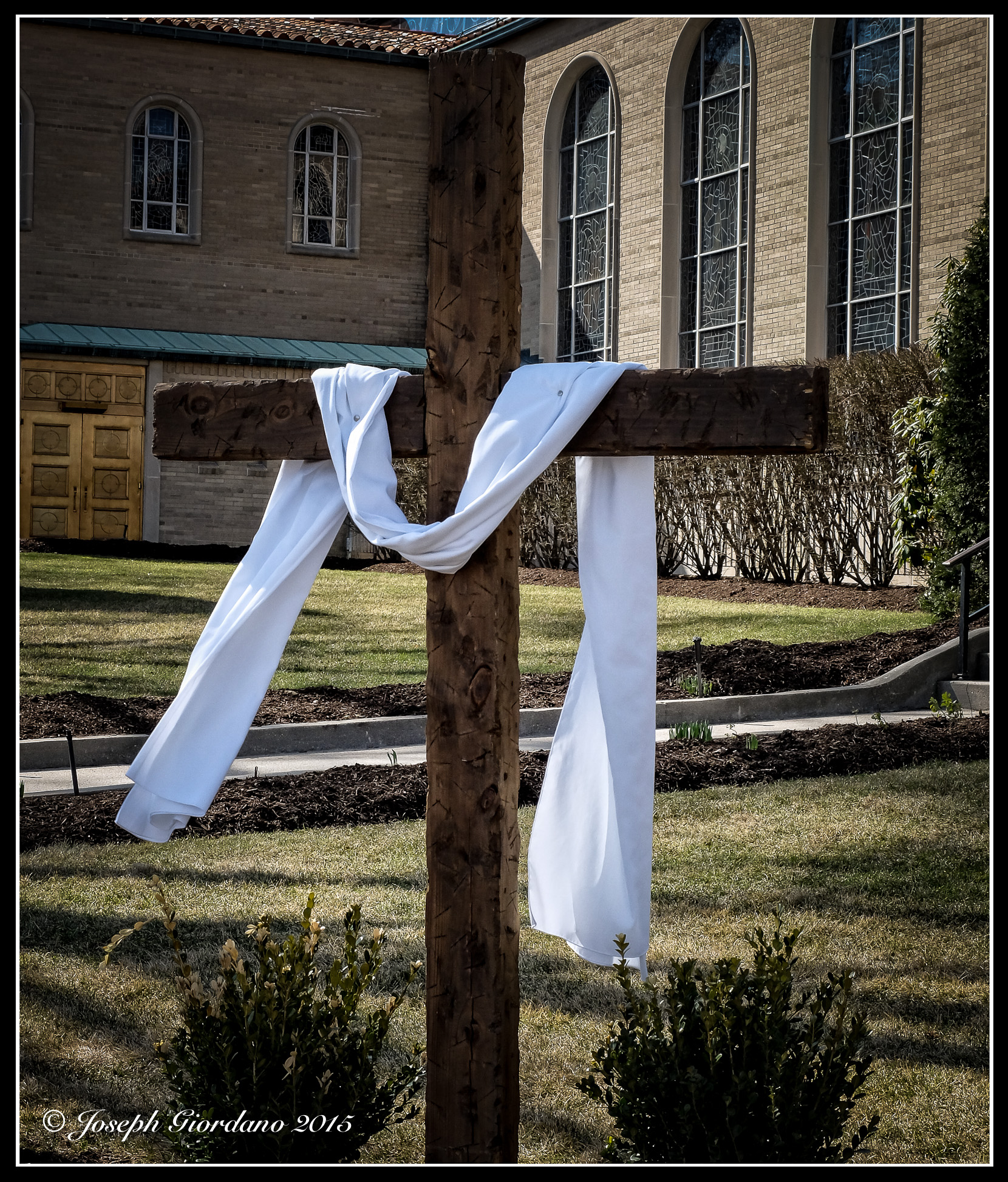
I’m Speechess

Fujifilm X30 – 1/340 @ f/5.6 – ISO 100 – Classic Chrome film emulation
I really don’t know what to say about this building :) Art is art and it’s all beautiful !
Vacation Home
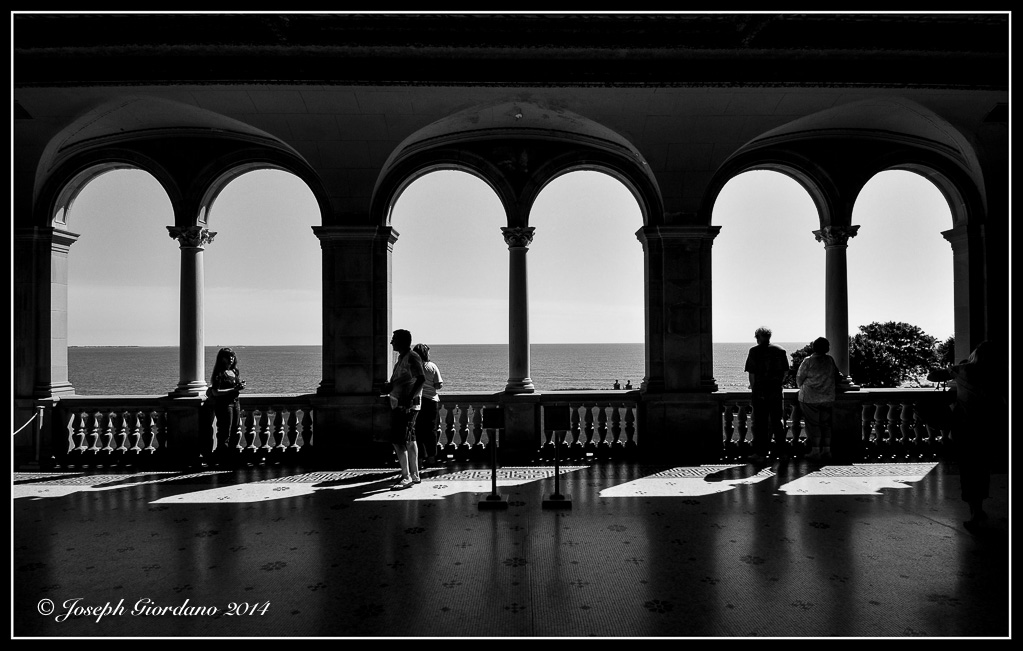
Nikon D300 and Nikon 12-24 mm F/4.0 Lens – 1/400 @ f/10 – ISO 200
I wish it was my vacation home but in reality this is part of the Mediterranean style summer mansion of railroad tycoon Cornelius Vanderbilt in Newport, Rhode Island. This is a view looking out to the Long Island Sound towards Long Island. We were with a couple of friends that day and yes that is my wife to the left giving me dirty looks because we were told no photographs. I loved the look of the arches and and the way the light was falling on the floor, so I had to squeeze one shot off, oops :)
To see more of my images please visit – X-tended Vision – I Get By – Monochromia
A Splash Of Color
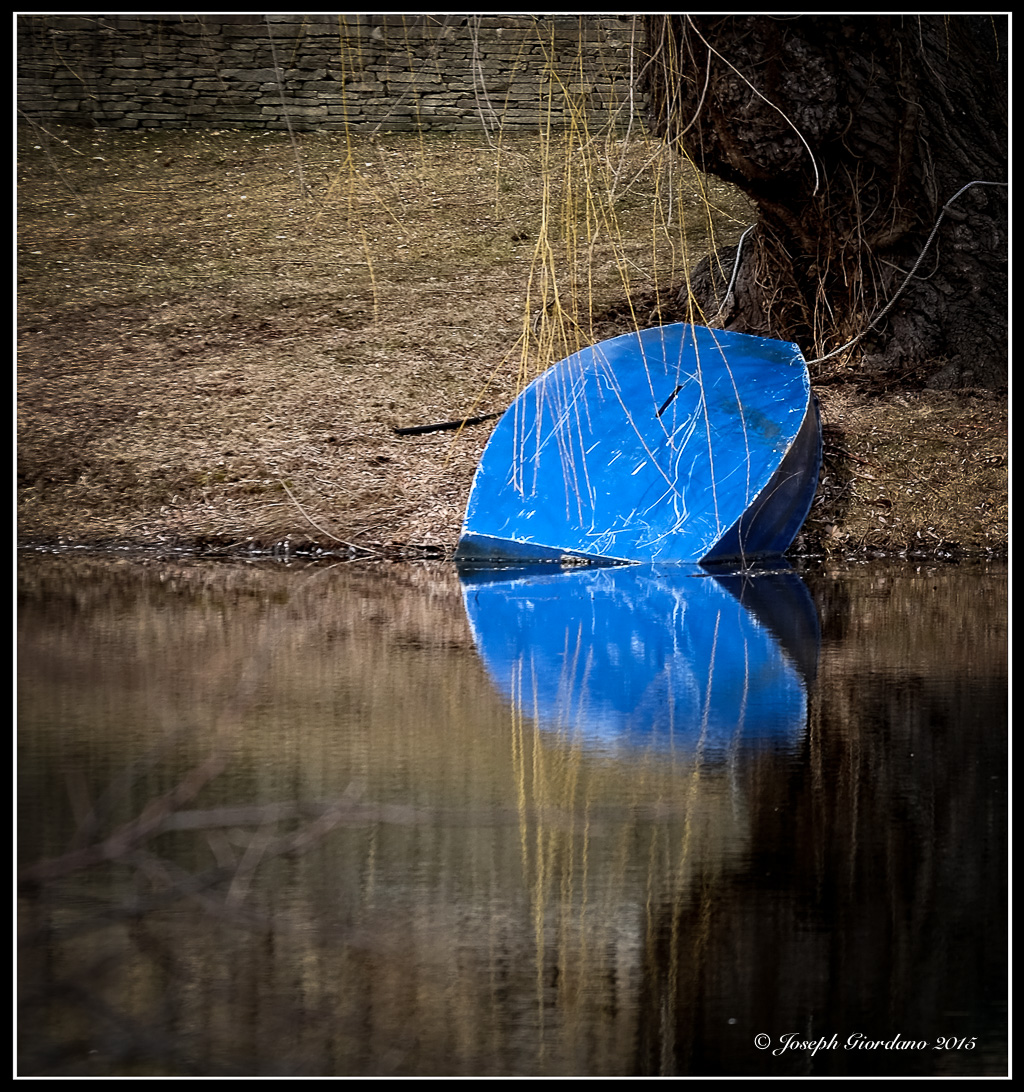
Fujifilm X-T1 and Fujinon XF 55-200 OIS R Lens – 1/220 @ f/7.1 – 156mm – ISO 200
The winter is gone so here is a little splash of color for this dreary spring day. If you enjoy my images please visit my other sites X-tended Vision and I Get By
I’m Popeye The Sailor Man !
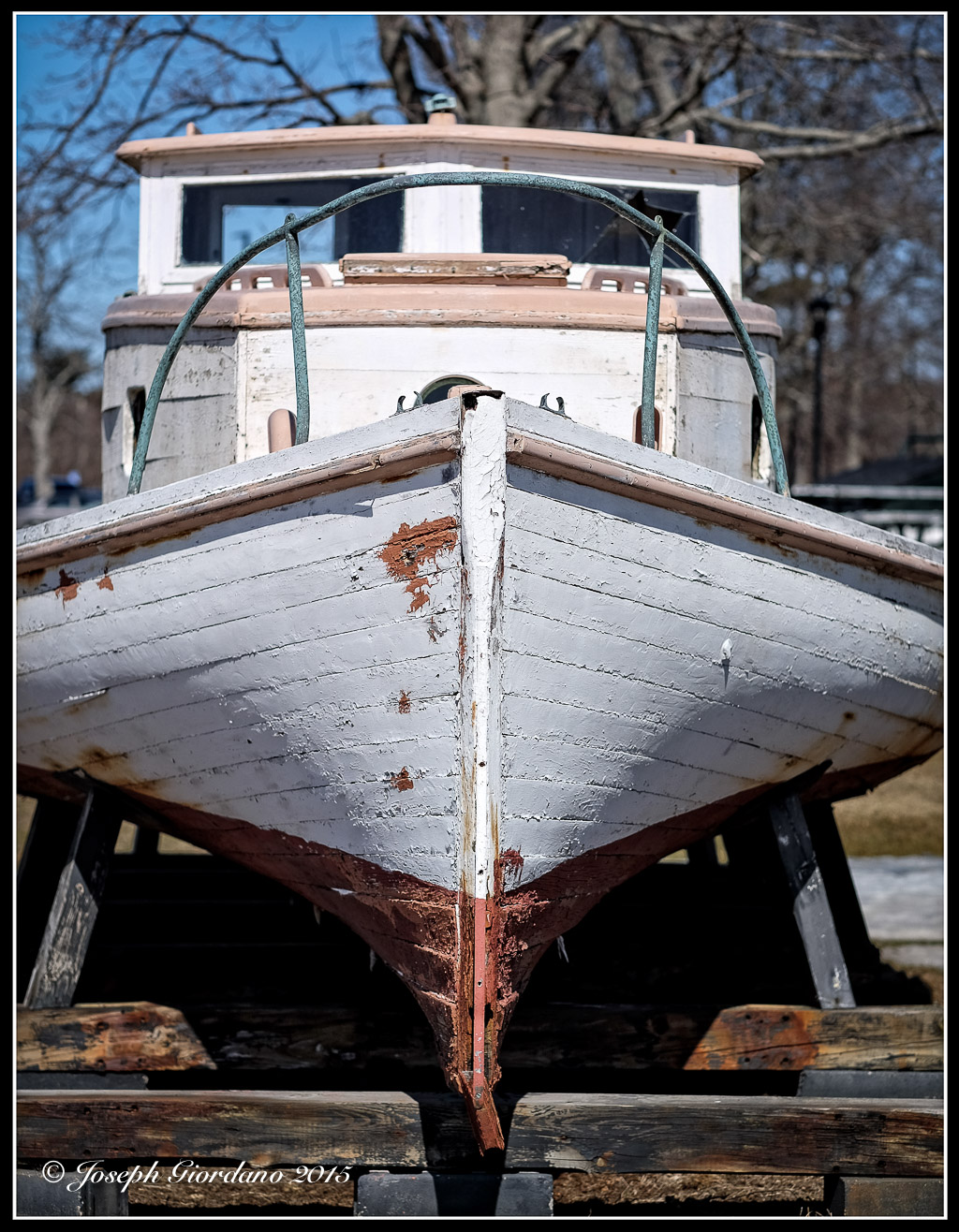
Fujifilm X-T1 and Fujinon XF 23mm F/1.4 R Lens – 1/6400 (electronic shutter) @ f/2.5 – ISO 200
Half And Half

Fujifilm X30 – 1/340 @ f/8.0 – B&W Mode, Internal Red Filter Applied – ISO 100
Half thawed water signifies a change to spring on Long Island.
A Mystery To Me

Fujifilm X30 – 1/180 @ f/2.8 – ISO 200
There it was lying upside down in the middle of the woods and nobody knows how it got there. This is the rear axle, differential gears and springs attached to a very large truck frame just left here to rust.
All Trains
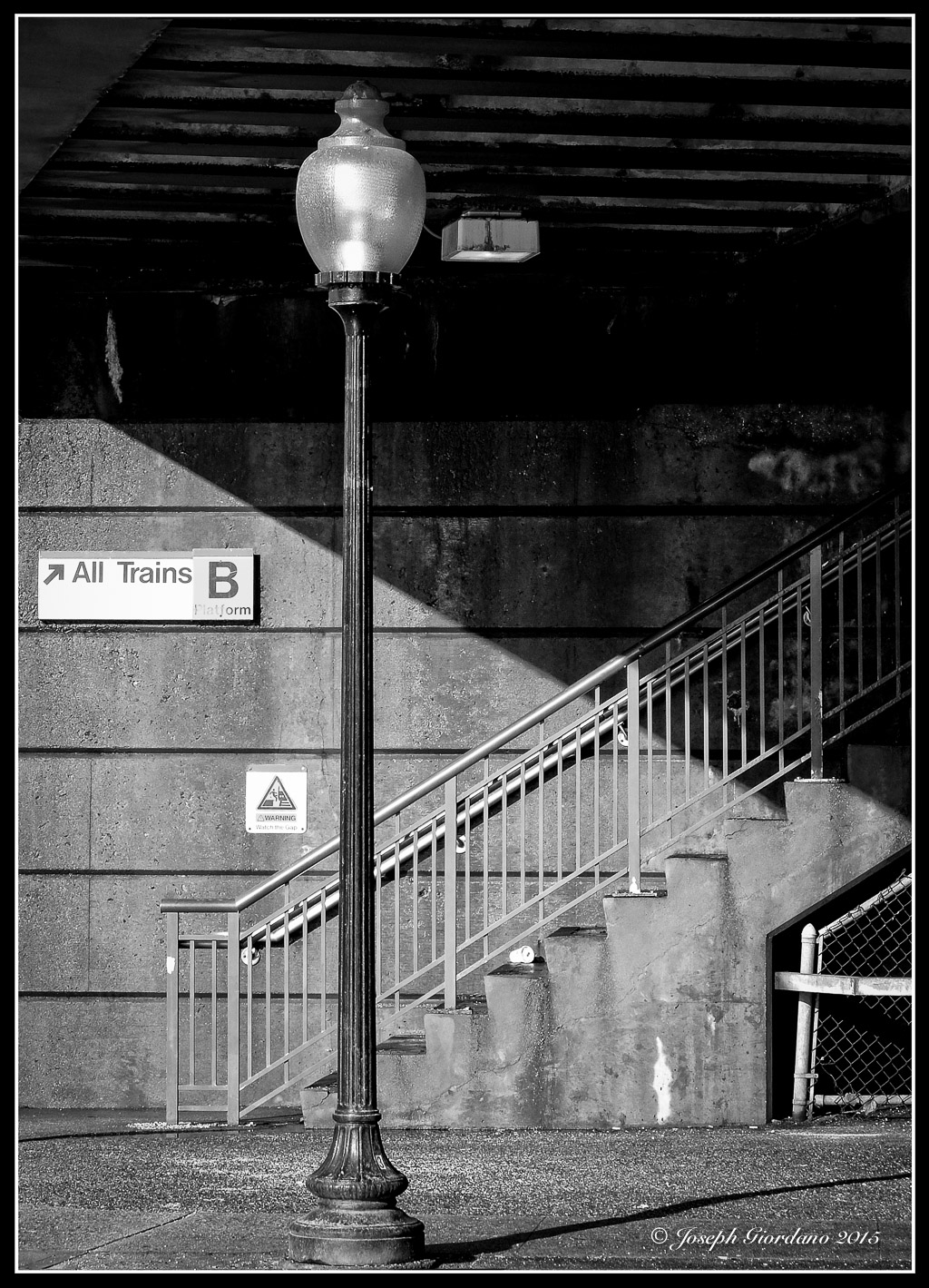
Fujifilm X30 – 1/240 @ f/5.6 – ISO 200
A Few Words With – Patti Fogarty
Please check out my new blog – I get By with a little help from my friends to see the full interview.

